4K, not thumbnails
True 4K image manipulation.
Every fixture is sourced from a 4K WebP master at quality 88. Pinch and zoom into the chandelier and the crystal stays crisp — most tools hand you a 600px thumbnail and call it a preview.
Crown Room Visualizer
Upload a photo of the room and drop in any Crown fixture — the real 4K product photograph, scaled to its true dimensions and tilted into your room's perspective. Free for Crown account holders. Browser only, no install.
Save every room render, keep your true-scale measurements on file, and build a private project dashboard for the pieces you're considering.
30-second signup. No payment required. Already have an account? Sign in.
The tool
Most “visualizers” are a contact form, or a flat sticker dragged over a stock photo. Ours composites the real, 4K photograph of the actual fixture into yourroom, at its true size, with full perspective control. We're not aware of anything close in the category.
4K, not thumbnails
Every fixture is sourced from a 4K WebP master at quality 88. Pinch and zoom into the chandelier and the crystal stays crisp — most tools hand you a 600px thumbnail and call it a preview.
Photographs, not renders
We composite the actual studio photograph of the fixture — background removed, edges clean — into your room. No uncanny CGI, no approximated geometry. What you see is the piece that ships.
Dimensionally honest
The tool knows each fixture's true width and drop and sizes it against your room, with the Crown Formula (D = L + W) built in. The #1 install regret is buying too small — this ends it.
Full 3D placement
Size, rotate, opacity, layer order — plus genuine perspective tilt on both axes, so a flat product shot sits naturally in a photo taken from below or off to the side. Not a flat sticker.
Shoot on your phone
Photograph the room on the device in your pocket and upload straight from it — HEIC is converted server-side automatically. Touch-native: drag, pinch-zoom, and place with one finger.
Built for the workflow
Private, signed share links. Projects and folders for trade accounts. And an optional AI render pass that relights the composite into a single photoreal frame to send a client.
How it works
The slider up top is a live composition built in exactly these steps. Here's the whole flow.
01
Stand where the fixture will hang and shoot wide — include the ceiling and a scale reference like a door or window. A quick, natural-light snap from your smartphone works perfectly: no professional equipment, lighting grids, or empty, staged rooms required. Shoot on your iPhone and the HEIC converts automatically, no fiddling with formats.
02
Browse the Crown catalog inside the tool and drag any piece onto your photo. What lands isn't a generic 3D model — it's the real product photograph, background removed, sized to the fixture's true dimensions.
03
Unlike standard flat-image dragging, our true-scale engine matches the vanishing point of your walls, ceiling height, and flooring lines. Resize, rotate, tilt it into the room's perspective (top/bottom and left/right), set opacity, and re-order layers. You aren't guessing at an aesthetic — you're verifying the exact physics of the fixture in your home. Pinch to zoom in: at 4K it stays razor-sharp.
04
Save the composition to your account, stack finishes or fixtures against the same room, and share a private link with your partner, designer, or contractor. Optional AI pass relights the whole scene for a finished look.
For homeowners
Scale is the most common lighting regret — not finish, not style. Numbers on a spec sheet are abstract; a 38-inch chandelier in your entryway is obvious. Drop it in, stand it next to your door for scale, and see whether brass reads warm or cool in your actual light before you spend a dollar.
Try a piece in your room →For designers & trade
Interior designer, home stager, or custom architect? Stop justifying a statement fixture from a raw text spec sheet. Put a true-scale render in front of the client and secure a confident sign-off in the room, during the presentation.
Save and organize compositions into client projects. Stack three options against the same room and send a private link — clients sign off on the picture, not the spec sheet. Fewer revisions, faster yes. Trade pricing applies once they order; start at the Connoisseur Circle.
Trade program →Start with one of these
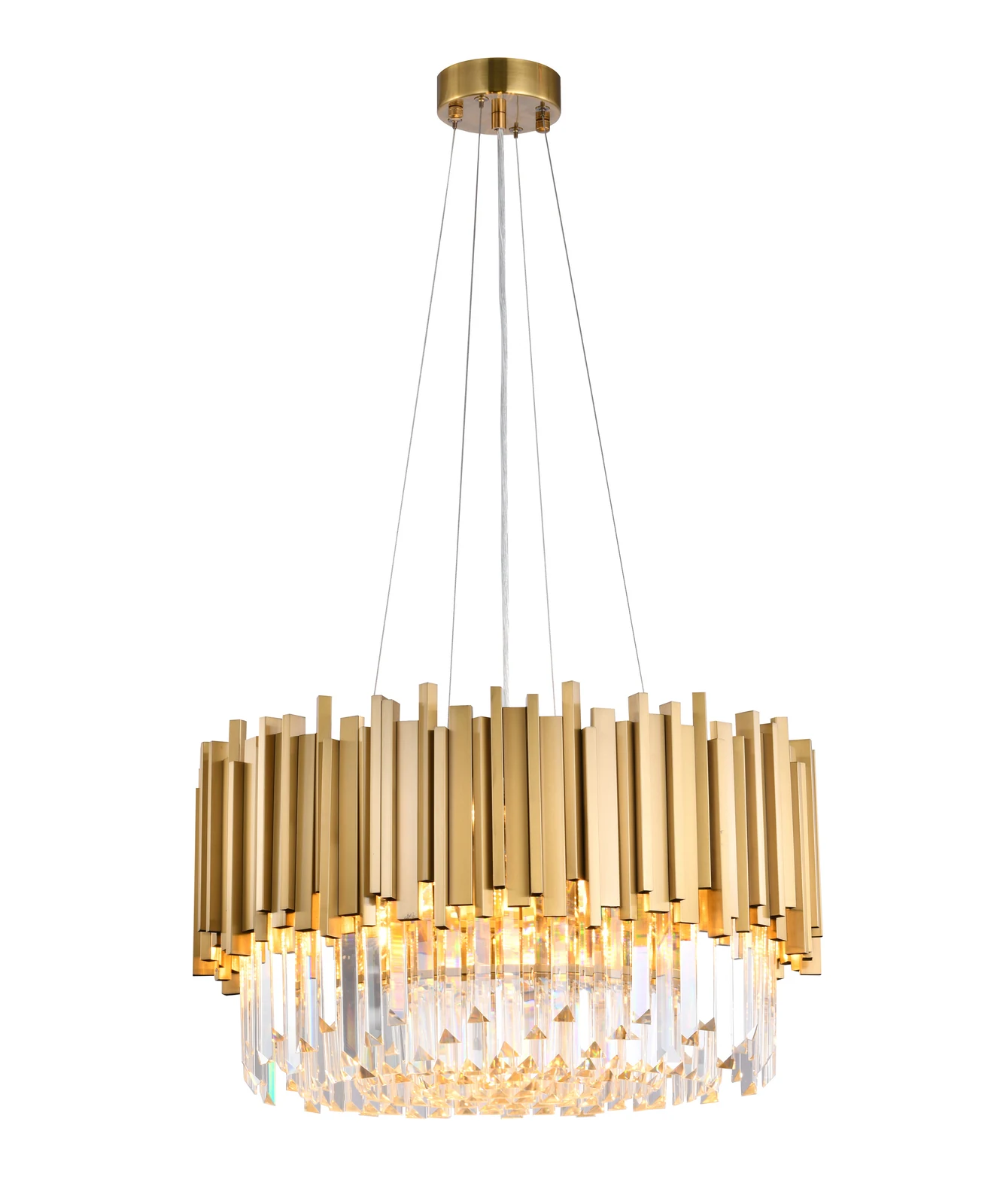
A dining-room scale chandelier in warm gold and clear crystal.
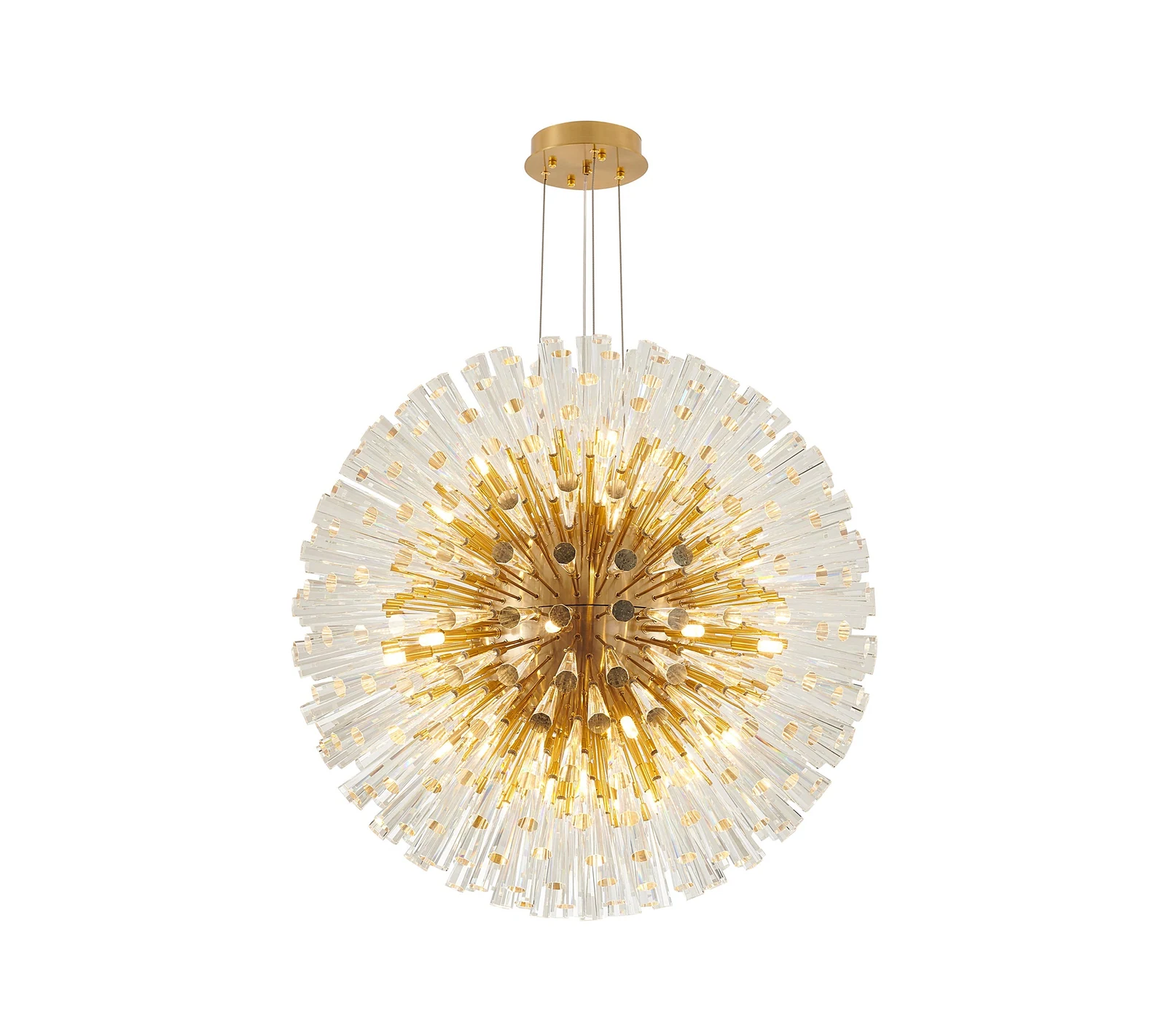
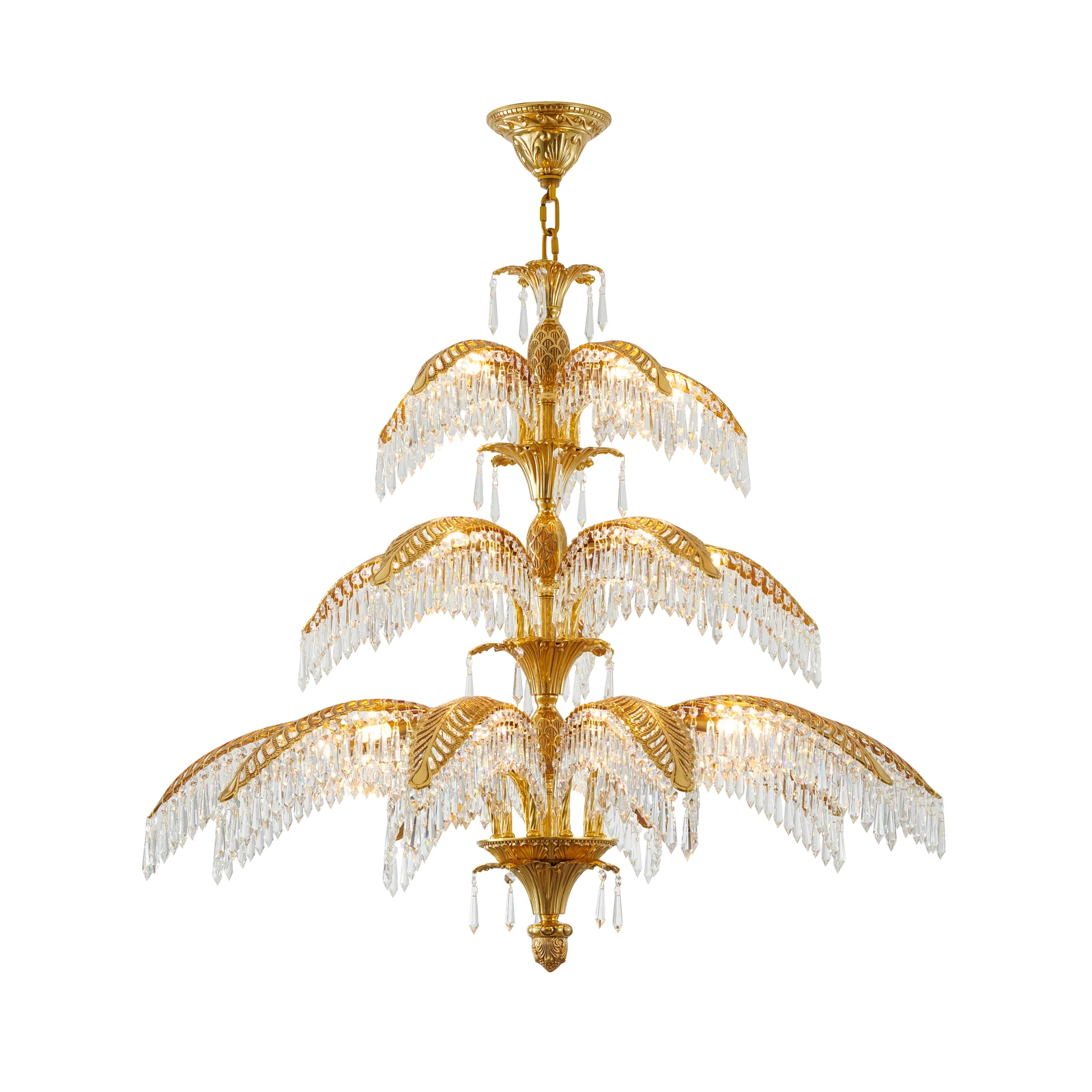
39-inch copper chandelier with crystal accents.
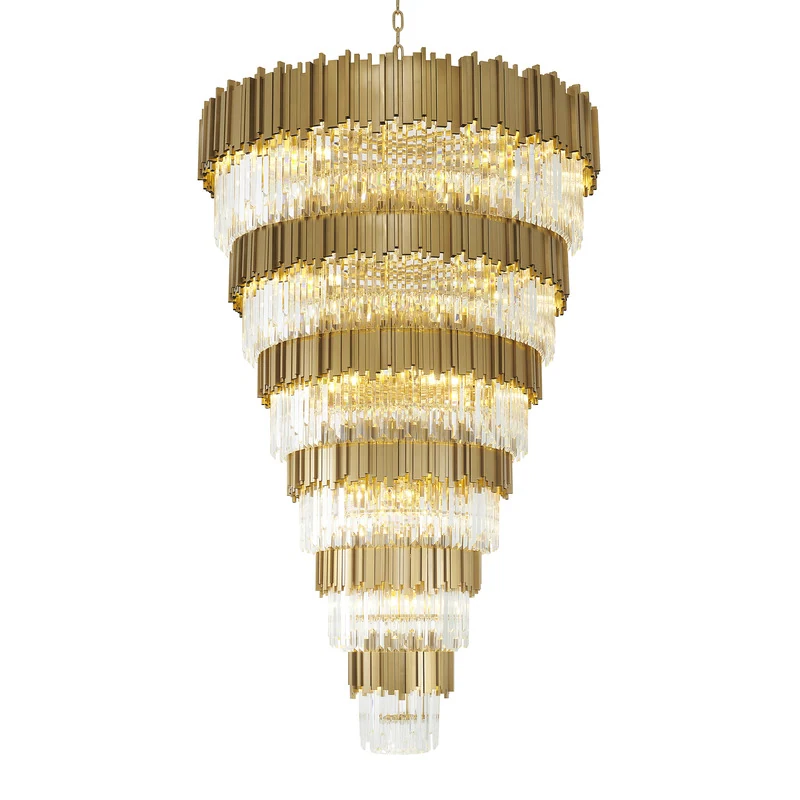
A grand-foyer chandelier that doesn't look like one.
FAQ
Yes. The visualizer is free, but uploads and compositions are stored against your Crown account. Sign up takes 30 seconds — no card required.
No. Photos are stored privately to your account, served only via short-lived signed links, and never indexed or shared outside your account.
Yes. Download any composition as a PNG or JPG, or copy a private share link — anyone you send it to can open it in their browser and download it too, no Crown account required to view.
Yes. iPhone HEIC photos are converted automatically on upload. Shoot wide, from where the fixture will hang, with a door or window in frame for scale.
Yes. Anything in the Crown catalog is available in the visualizer — chandeliers, pendants, flush mounts, and sconces.
Free with a Crown account. Two minutes from signup to your first saved composition.